How to Choose an Astrocartography Tool
How to choose an astrocartography tool: eight criteria you can check yourself — ephemeris, time handling, line set, relocation, interpretation, platform, privacy, price.

Photo: Annie Spratt / Unsplash
There is no best astrocartography tool. There is a best fit for how you actually work. A professional astrologer running client sessions on a Windows desktop, a person weighing one big move, and someone checking a Venus line from an airport lounge need different software, and the tools that serve them well are honestly different products. What you can do — without trusting anyone's marketing, ours included — is run any candidate through eight checkable criteria. This page is those criteria, followed by an honest look at how the well-known tools, ELA Map among them, actually differ.
Eight things to check before you trust a map
1. Which ephemeris, and will it show its work?
Every astrocartography line starts from a planetary position, and every planetary position comes from an ephemeris. The two professional-grade families are the Swiss Ephemeris (used by Astro.com, Astro-Seek, Solar Fire, Maphrodite, and most of the field) and the JPL Development Ephemerides — NASA/JPL's own datasets, which the Swiss Ephemeris is itself derived from. Both are legitimate. The red flag isn't which one a tool uses; it's a tool that names nothing — "powered by AI" or "cosmic algorithms" in place of a checkable source. We've written a longer guide to telling whether an astrocartography app is accurate if you want to go deep on this one.
2. How does it handle your birth time zone?
This is the quiet one, and it's the most common reason two tools disagree. Your lines depend on your birth moment in universal time, which means the tool has to apply the time-zone and daylight-saving rules that were actually in force at your birthplace in your birth year — rules that changed often and messily through the twentieth century. A tool that resolves this from a historical time-zone database, and can show you what it applied, is doing the job. A tool that asks you to work out the UTC offset yourself has moved its hardest problem onto you.
3. Which lines can it actually draw?
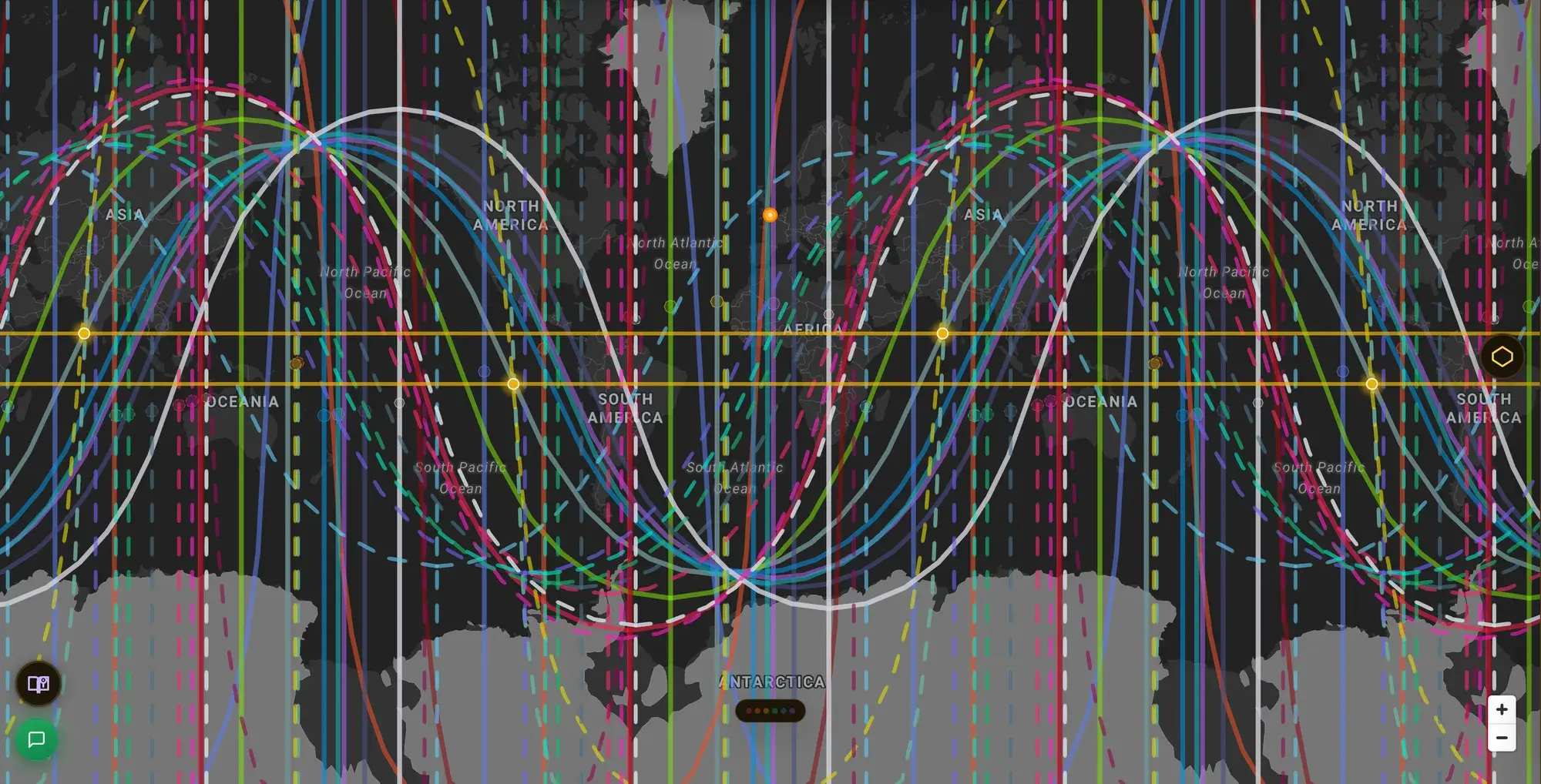
Four-angle planetary lines — each planet rising (AC), setting (DC), overhead (MC), and underfoot (IC) — are the baseline every tool should meet. Past that, line sets diverge fast:
- Parans / crossings — latitude lines where two planets hit angles simultaneously. Skipped by most simple tools; they change a reading.
- Aspect lines — trines, sextiles, squares to the angles, not just conjunctions.
- Declination contacts — parallels and contraparallels.
- Midpoints, fixed stars, local space — specialist layers that matter a lot to some readers and not at all to others.
You don't need all of these. You need to know which ones you'll miss.
4. Does it relocate, or only draw lines?
Lines answer "where on Earth is this planet angular?" A relocated chart answers a different question: "what does my whole chart look like recast for this city?" — new houses, new angular planets. Serious relocation work needs both. Check whether a tool casts a true relocated chart for an arbitrary point, and which house system it uses when it does; house systems diverge sharply away from the equator, which is exactly where relocation questions tend to point.
5. Where does the interpretation come from?
Three genuinely different products hide behind the word "interpretation": carefully written text matched to your specific placement, generic per-line boilerplate (every Venus DC line gets the same paragraph), and language-model generation on the fly, which reads fluently but can assert astrology nobody vetted. None of these is illegitimate to sell — but you should know which one you're buying, and a tool that's proud of its answer will tell you. Ask.
6. What does it run on?
Desktop suites are tied to an operating system — Solar Fire is Windows; Astro Gold is Mac and iOS. Web tools run on anything with a browser. Mobile-native apps are built for the phone first and tend to trade depth for portability. None of this affects accuracy; it decides whether the tool is available where you actually are when the question comes up. If you're on a Mac, a Windows-only suite means a virtual machine or a second computer — a real cost that belongs in the comparison.
7. What happens to your birth data?
Birth date, time, and place are enough to identify you, and precise enough to matter. The questions worth asking: does the data stay on your device or in an account? Can you delete it? Is it fed to third-party analytics or to an external AI service to generate your reading? A tool's privacy policy answers this faster than its marketing does — and a one-time-purchase app that stores everything locally is making a genuinely different promise than a cloud service, in both directions: harder to leak, and also gone if the device is.
8. What shape is the price?
Free with limits, one-time license, and subscription are all honest shapes with different trade-offs. A one-time desktop license is yours forever but updates (and historical time-zone corrections) may cost extra later. A subscription funds continuous updates but stops when you do. A free tier is a real answer for a real need — checking your lines before committing to anything — and several tools, ours included, offer one. The mismatch to avoid is paying a professional's price for one question, or handling client work on a tool with no depth behind it.
Check your own lines free
ELA Map's free tier draws all ten planetary lines on all four angles. No card, about two minutes.
Get startedHow the well-known tools differ
Facts, not a ranking — there is deliberately no "best" column here. Every tool below is the right answer for somebody. Details verified August 2026 against each vendor's own published materials; prices and features move, so treat the vendor's site as the current truth.
| Tool | Runs on | Price shape | Notes |
|---|---|---|---|
| Astro.com (AstroClick Travel) | Web | Free (paid reports separate) | The research-grade reference, from the maintainers of the Swiss Ephemeris. Click-anywhere line interpretations; vast object catalog and 24 house systems in the wider site. |
| Astro-Seek | Web | Free | The fastest free lookup in the field. Full calculation transparency, strong on raw line math; interpretation is minimal by design. |
| Solar Fire + Solar Maps | Windows desktop | One-time license | The professional benchmark for depth: parans, local space, eclipse paths, geodetic maps, asteroid and fixed-star lines, printable relocation reports. If you run a Windows-based practice, this is the deepest mapping tool made. |
| Astro Gold | macOS / iOS | One-time license | The professional-grade option for Apple hardware, from the same lineage as Solar Fire. |
| Maphrodite | iPhone / iPad | One-time (~€15) | Mobile-native astrocartography on the Swiss Ephemeris, with a two-chart overlay mode. The lowest-cost way to own a dedicated astrocartography app outright. |
| CartoStar | iOS / web | Freemium | Mobile-first mapping with a two-chart compatibility mode, configurable house systems, PDF export, and shareable globe links. |
| ELA Map | Web (any OS) + Android | Free tier + subscription | Computes from NASA/JPL DE440. Four-angle lines, the Love heatmap, and Human Design lines free; parans, aspect/declination/midpoint lines, fixed stars, relocated charts, the other heatmap themes, multi-chart overlay, and the deeper Human Design layers in paid tiers. Uses one house system (Campanus) by design. |
A few honest asymmetries worth naming, because they're the actual decision for many people:
- If you run a professional practice on Windows, Solar Fire with Solar Maps is the depth benchmark the rest of the field is measured against, and nothing web-based fully replaces its report printing and object breadth today.
- If you want one quick, free, no-account lookup, Astro-Seek answers in seconds and Astro.com adds click-for-interpretation. Start there before paying anyone.
- If you want to own an app outright for a few euros, Maphrodite's one-time price on iPhone is a shape no subscription matches.
- Where ELA Map is genuinely different: it's the only tool on this list that draws Human Design cartography and astrocartography on the same globe, and the only one that scores every point on Earth into a heatmap rather than leaving synthesis to you. It's also deliberately opinionated — one house system, a curated object set — which is a limitation if your practice depends on Placidus or a large asteroid catalog.
A short way to decide
- One question, once → a free web tool (Astro-Seek, Astro.com, or ELA Map's free tier).
- A real relocation decision — several cities, a partner's chart, months of weighing → a tool built around relocation: relocated charts, parans, multi-chart support, and interpretation you can interrogate.
- Client work → a professional suite on the OS you own (Solar Fire on Windows, Astro Gold on Mac), or a web workspace with presentation features — and check the report output before you buy.
- Phone-first, own-it-outright → a mobile-native one-time purchase.
Whichever way you go, the criteria above are checkable in an afternoon, and any tool worth your birth data will survive all eight questions.
Keep going in ELA Map
Run your chart through the criteria
Free, no card. See your lines and judge the tool against this page's own checklist.
Get started