ELA Map on Phone vs Desktop: What's Different, What Travels With You
Your chart, places, and notes live in your account, so they follow you from phone to web. Here is what really differs between the two screens, and what does not.
The short version. Your chart, saved places, notes, and notification settings live in your account, so they are the same on your phone and on the web. The screens are different: desktop is for settling in and exploring, and the phone is for carrying your map with you.
What travels with you
Sign in on any device and your chart is already there. It is stored in your account, not on the phone or the laptop, so there is nothing to export and nothing to redo.
These follow you everywhere:
- Your charts, including which one is "you"
- Your saved places and saved moments
- Your notes on charts, places, and days
- Your notification choices and your time zone
- Your units, miles or kilometers
A few small things stay on the device you set them on. Your light or dark theme, whether you last had Astro or Human Design showing, and your map view settings are per device. Set them once on each screen you use.
What the desktop is for
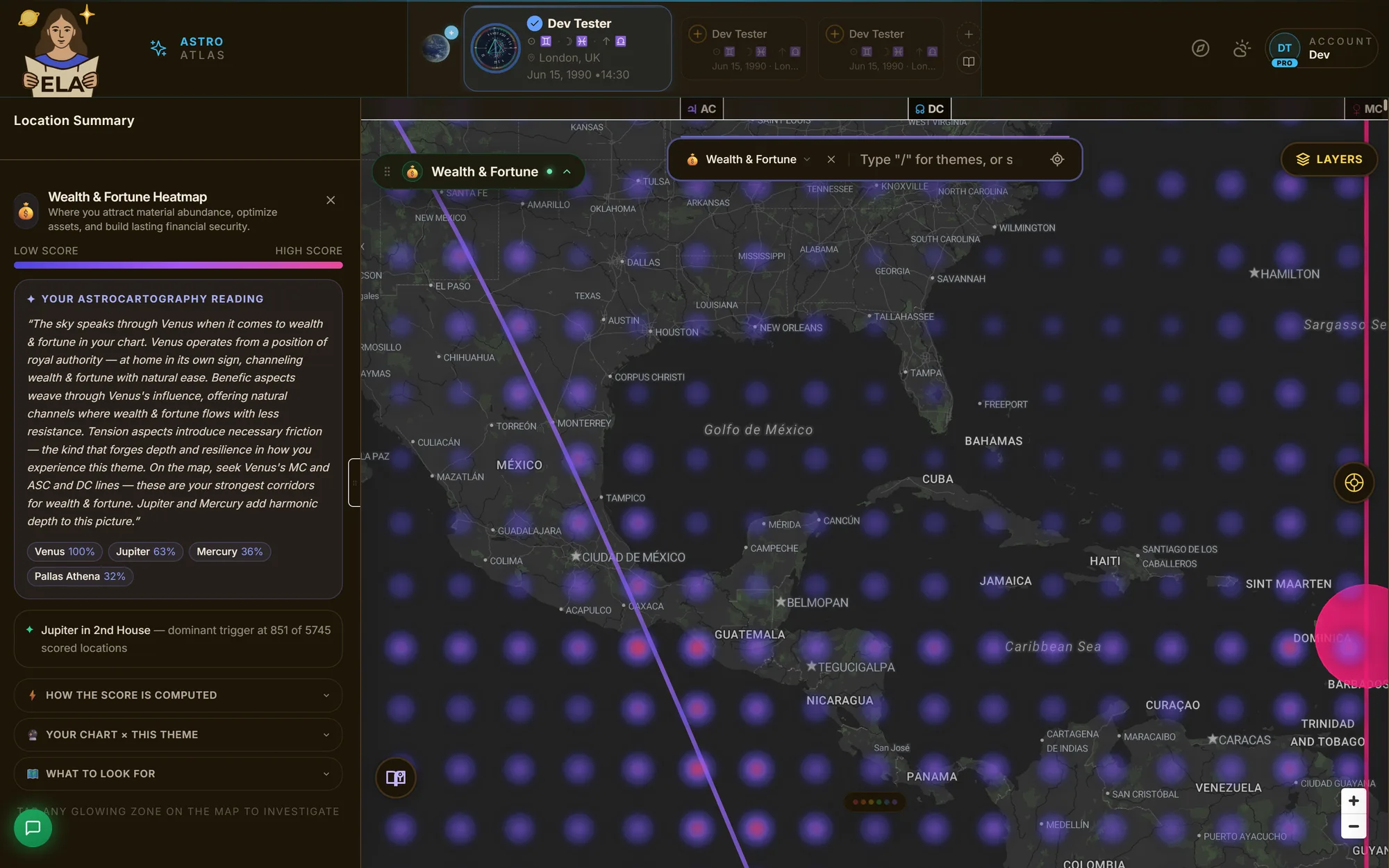
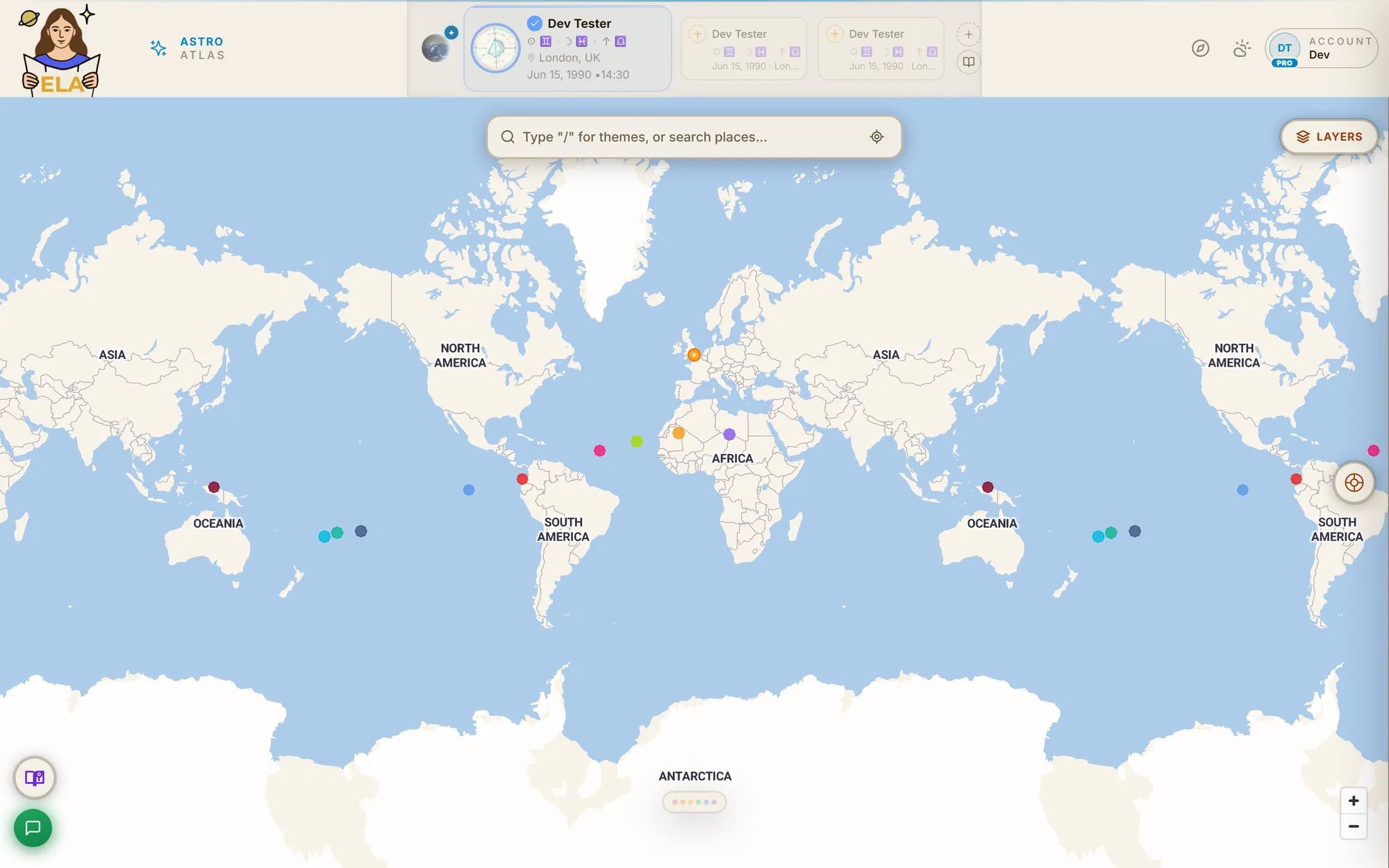
Desktop gives the map room. A wider screen fits more panels at once, so this is where I would go to sit with a place and really work it.
- Presentation Mode. A clean full-screen stage for live readings, driven from a radial menu under your cursor. It needs a pointer and keyboard, so it is desktop only, and it is a Pro feature.
- Wider map tools. The chart drawer, the filter rail along the bottom, and the transit playback control all live on the desktop layout.
- Hover. Move your pointer over a line and its name appears. You can drag a pinned tooltip out of your way.
- A guided tour built for the screen. There is a step-by-step tour of the interface, and the phone has its own shorter one.
- The Wikipedia rail on Discover. On wide screens, the Discover feed has a side column with the Wikipedia summary for the card you are on.
What the phone is for
The phone is the pocket version. Same chart, same lines, a layout made for a thumb.
- A compact layout. A slim top bar, a control cluster, and a bottom sheet you pull up to see more or push down to see the map.
- Tap instead of hover. There is no hover on a touchscreen, so you tap a line to pin its name and reading. Tap empty map to clear it.
- The immersive Local Space view. If your plan includes Local Space lines, you can step into a view from your own horizon. On a phone it can follow your motion sensors, so the view turns as you turn. This works in a phone browser too, not just the app.
- Chart Lab. It works on both. On a narrower screen it switches to a layout with a sheet you pull up.
- Notifications that reach you. Turn them on from your phone and they arrive there. If you turn them on in a desktop browser, they arrive in that browser, on that computer.
A plain word about location and notifications
ELA Map can send a morning reading, a note when something rare crosses your sky, and a note when a line has moved onto a place you track. Those are checked on a schedule, hourly for the line note, against the place it last knew about. If you have allowed location, opening the app updates that place when you have moved far enough.
What it does not do is follow you around. It is not watching your location in the background and buzzing you the instant you cross a line. I would rather tell you that than have you expect it.
What is not a gap
In the phone app, some purchase buttons do not appear. That is a store rule about how apps may sell things, not a feature we forgot. Reports you already own open the same way everywhere.
What is the same
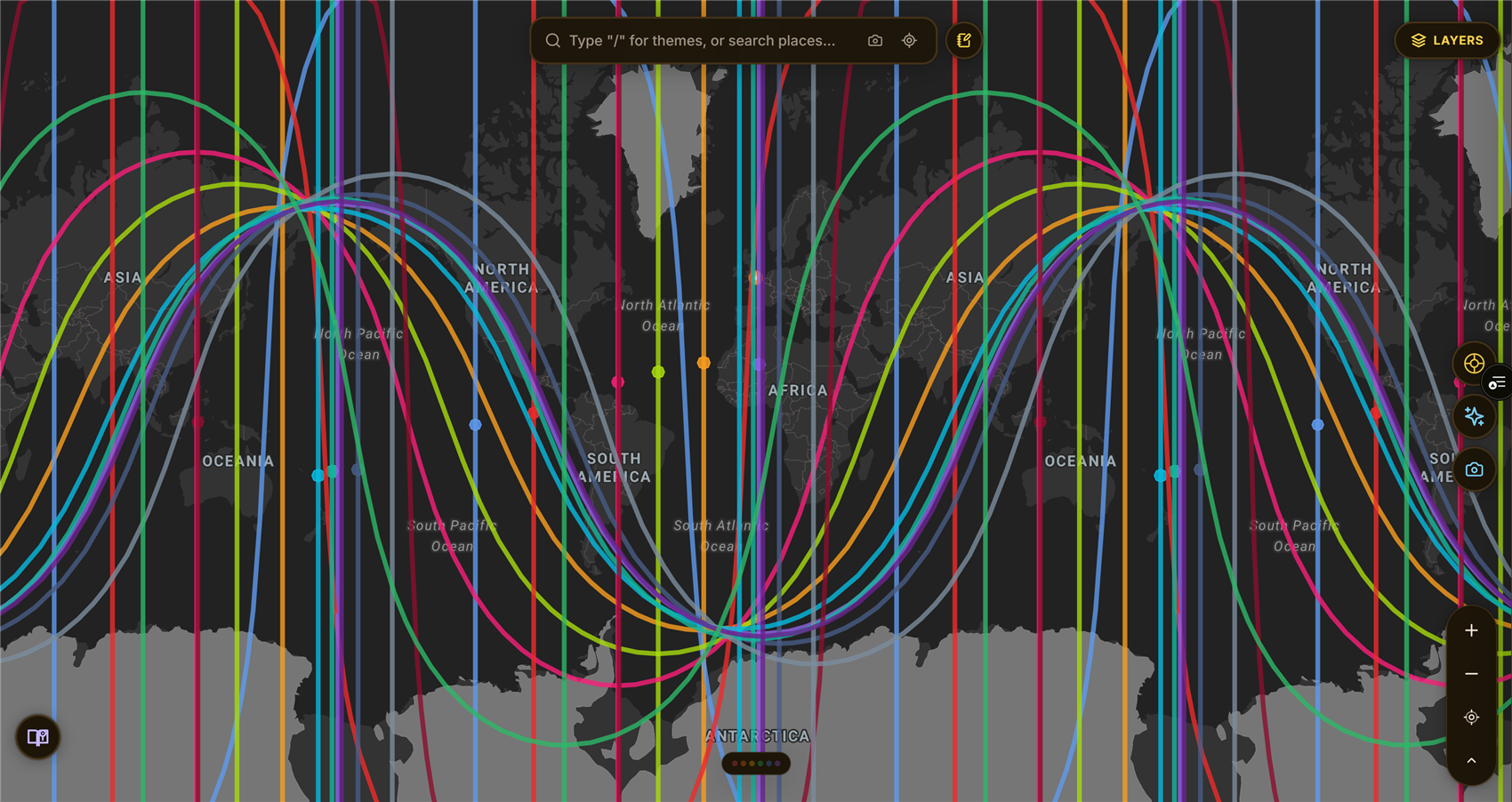
The map, the lines, the heatmap, Human Design mode, and the reading for any place are all on both. The reading is assembled from named, written doctrine, not generated on the fly. That is true on the phone and on the desktop.
Neither screen works offline. The web version keeps recent map tiles and some line results for a few days so things load faster, but you need a connection to use ELA Map.
Where to go next
Join the waitlist → and be among the first to see your birth chart drawn as a living map of the Earth.